How to Troubleshoot Software That Opens but Does Not Respond

How to Troubleshoot Software That Opens but Does Not Respond

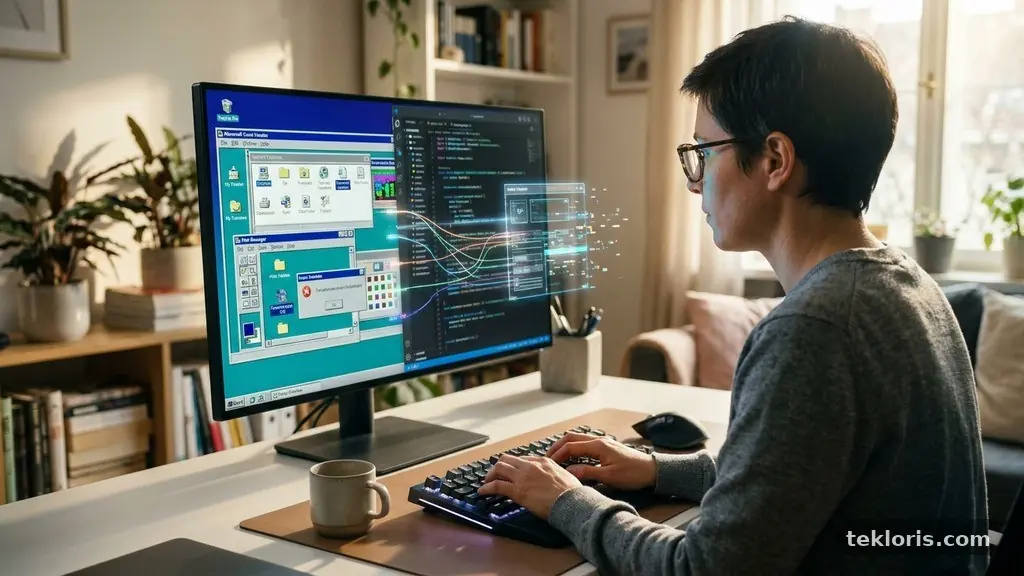
When an application launches but ignores every click, effective troubleshooting Software That Opens but Does Not Respond starts with one simple question: is the program frozen, or is the computer struggling to keep up? The difference matters because a force quit may solve a temporary lockup, while corrupted files, compatibility issues, or damaged user settings … Read more

Simple Ways to Keep Cloud-Synced Files Organized Across Multiple Devices

Simple Ways to Keep Cloud-Synced Files Organized Across Multiple Devices

Simple ways to keep cloud-synced files organized across multiple devices start with one clear idea: your cloud storage needs a system, not just more space. A sensible folder structure, consistent file naming conventions, and careful sync settings can make documents easy to find on a laptop, phone, tablet, or work computer. The phrase “simple Ways … Read more

How to Check Whether an App Is Still Receiving Security Updates

How to Check Whether an App Is Still Receiving Security Updates

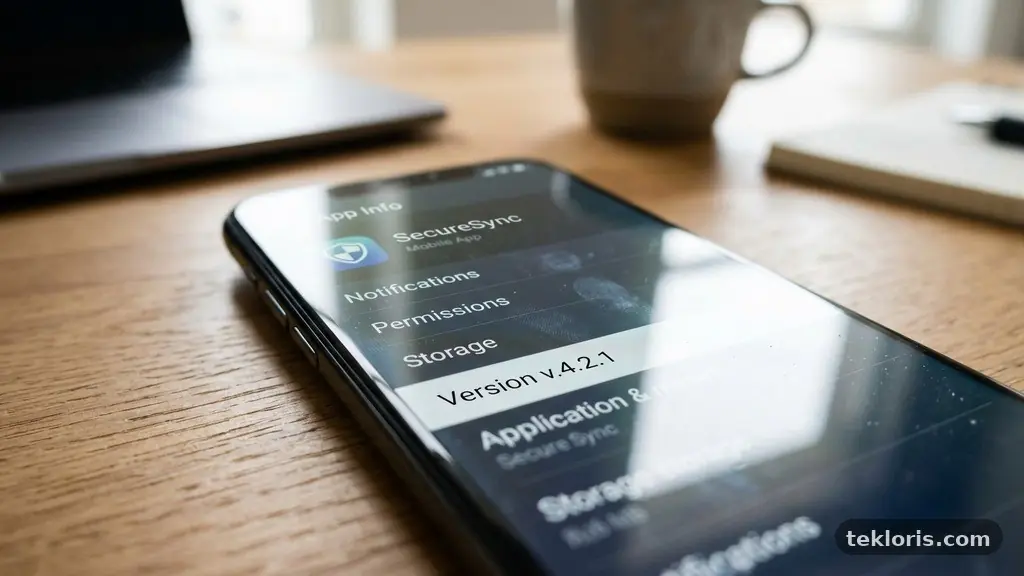
Checking Whether an App Is Still Receiving Security Updates matters because an app can continue working long after its security support has quietly ended. A familiar icon, a recent-looking interface, or a functioning download page doesn’t prove that new vulnerabilities are being fixed. The safest approach is to verify the app version, inspect recent release … Read more

Why Browser Extensions Sometimes Slow Down Everyday Web Tasks?

Why Browser Extensions Sometimes Slow Down Everyday Web Tasks

Browser extensions sometimes slow down everyday web tasks because they add code, network activity, and background work to pages that were already using your computer’s resources. A shopping coupon tool, password manager, ad blocker, translator, or writing assistant may each be useful alone, yet several can compete for CPU time and memory at once. The … Read more

How to Organize Downloaded Files So Important Documents Are Easy to Find

How to Organize Downloaded Files So Important Documents Are Easy to Find

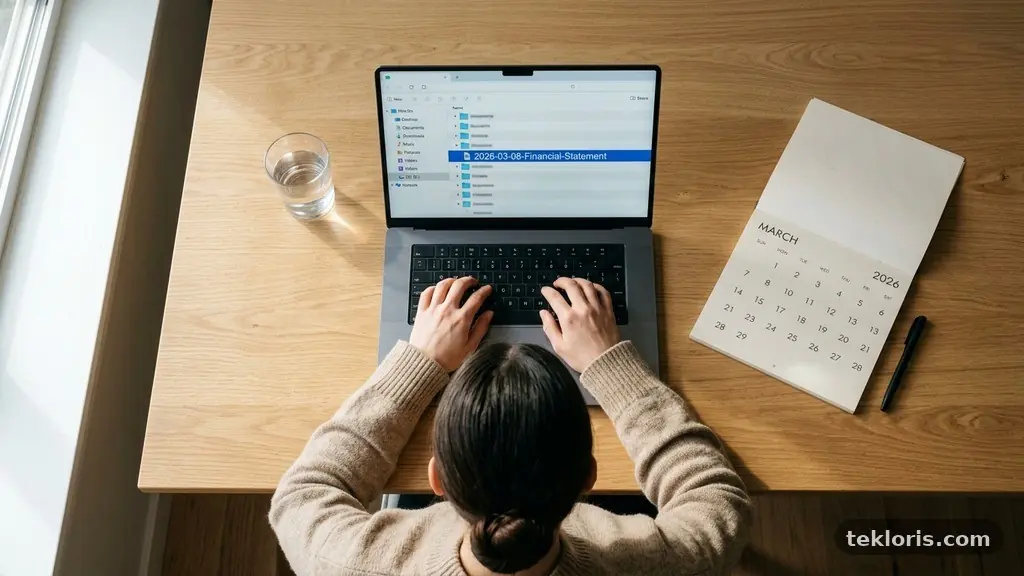
Organizing Downloaded Files So Important Documents Are Easy to Find starts with one simple decision: stop treating the Downloads folder as permanent storage. A clear folder hierarchy, consistent file naming conventions, and a short weekly cleanup turn scattered receipts, contracts, forms, and work files into a system you can trust. The most effective approach is … Read more

How to Identify Unnecessary Startup Services on a Windows Computer

How to Identify Unnecessary Startup Services on a Windows Computer

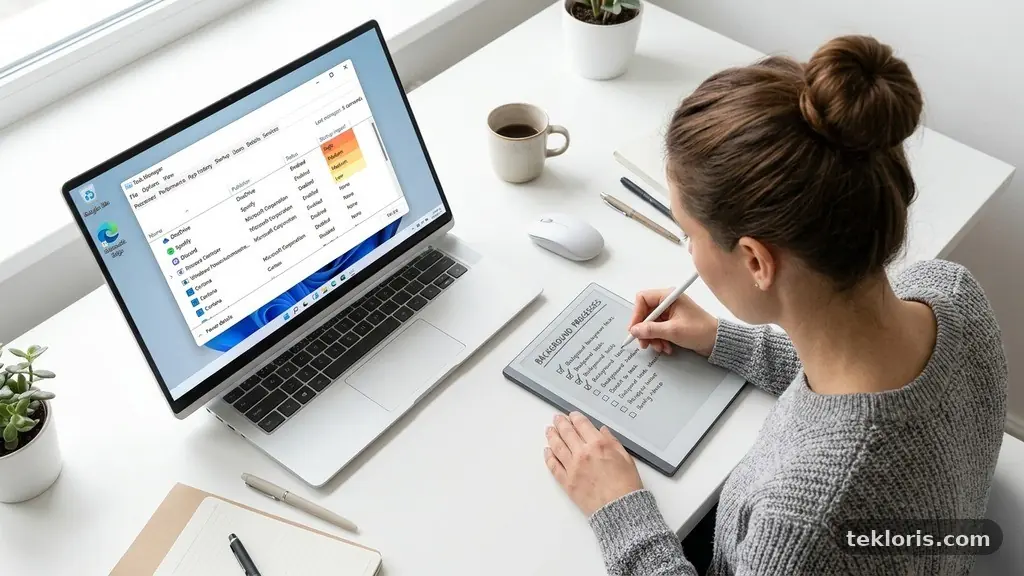
Identifying Unnecessary Startup Services on a Windows Computer can make booting faster, reduce background activity, and remove software you no longer use. The trick is knowing which entries are harmless conveniences, which belong to essential Windows components, and which are leftovers from old applications or OEM bloatware. You don’t need to disable services at random. … Read more

Why Some Software Features Stop Working After an Operating System Update?

Why Some Software Features Stop Working After an Operating System Update

Some Software Features Stop Working After an Operating System Update because the operating system changes the rules that applications, drivers, and system services rely on. A feature may disappear, refuse to launch, behave differently, or produce an error even though the main program still opens normally. The cause is often fixable rather than mysterious. By … Read more

How to Reduce Background App Activity Without Losing Important Notifications

How to Reduce Background App Activity Without Losing Important Notifications

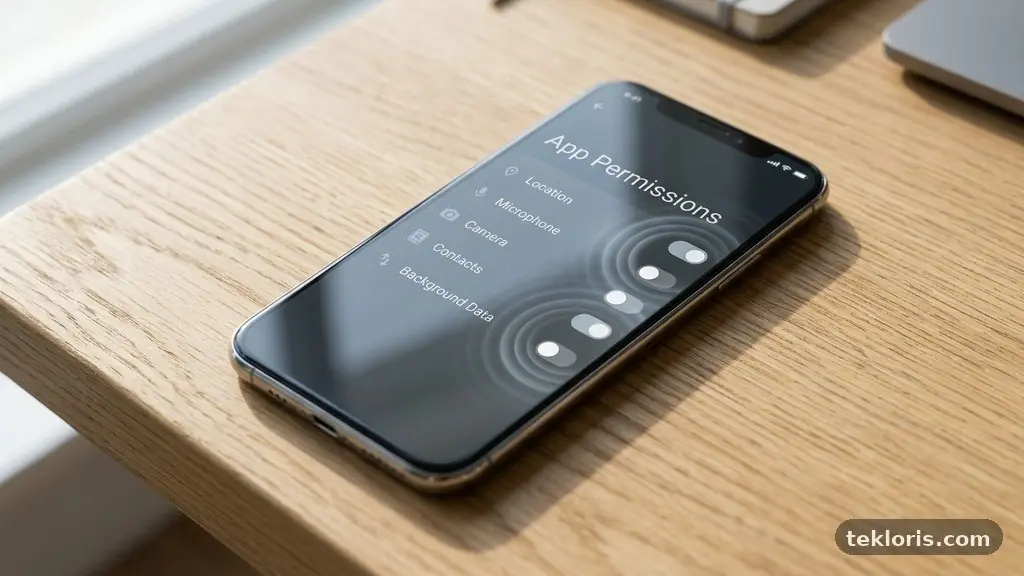
Reducing Background App Activity Without Losing Important Notifications is mainly a matter of choosing which apps deserve attention, data access, and battery time. You don’t need to shut down every background process to improve battery life; you need to separate essential alerts from silent syncing, advertising, and rarely used services. The best results come from … Read more