How to Fix Common Problems With Password Managers Across Devices
How to Fix Common Problems With Password Managers Across Devices

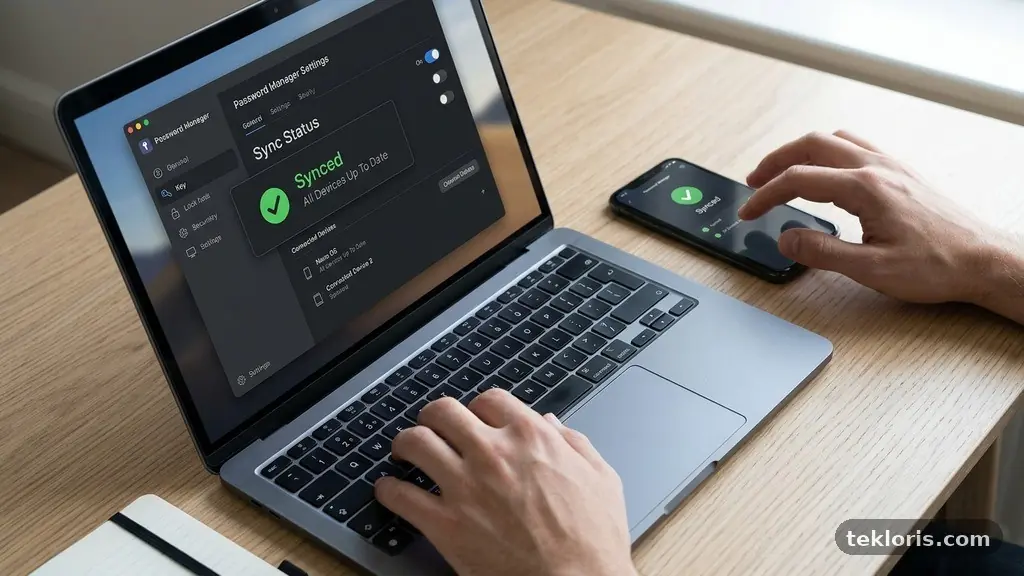
Fixing common problems with password managers across devices usually starts with one simple question: which device or account is out of step? Sync failures, missing passwords, broken autofill, and forgotten master passwords often have different causes, even when they appear together. A careful check of the account, app versions, network connection, and vault settings can … Read more

A Practical Guide to Checking File Compatibility Before Sharing Documents

A Practical Guide to Checking File Compatibility Before Sharing Documents

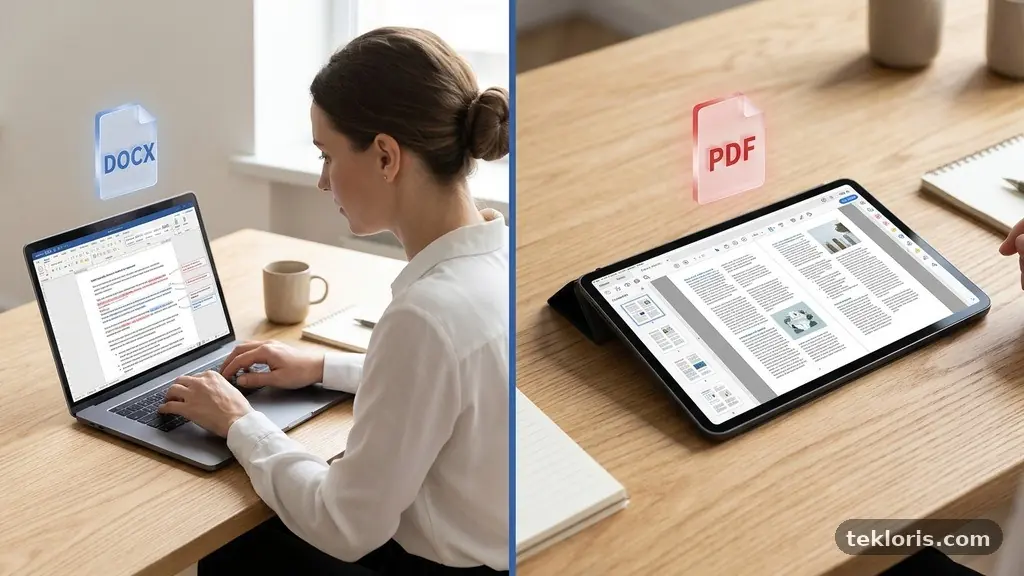
A Practical Guide to Checking File Compatibility Before Sharing Documents starts with one simple habit: test the actual file in the environment your recipient will use. A document that looks perfect on your computer may shift when opened in another version of Microsoft Word, a different operating system, or a browser-based viewer. Checking the format, … Read more

How to Reduce Unwanted Browser Notifications Without Missing Useful Alerts

How to Reduce Unwanted Browser Notifications Without Missing Useful Alerts

Reducing Unwanted Browser Notifications Without Missing Useful Alerts starts with separating genuinely useful updates from permission requests you accepted in a hurry. News headlines, delivery updates, calendar reminders, and account security warnings can help, while repeated sales messages and deceptive pop-ups quickly become noise. The good news is that you rarely need to disable every … Read more

How to Recognize Suspicious File Extensions Before Opening Downloads

How to Recognize Suspicious File Extensions Before Opening Downloads

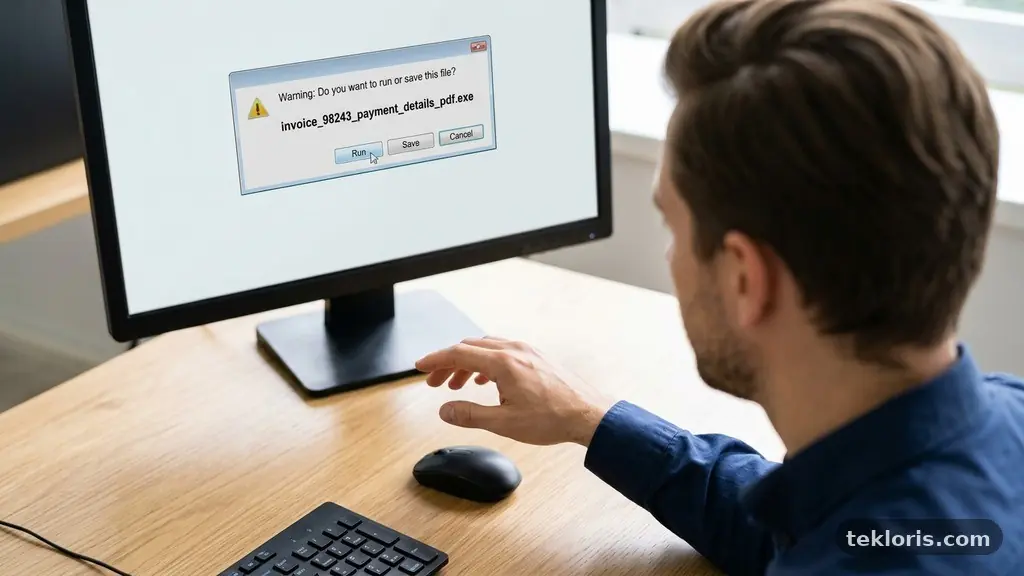
Recognizing Suspicious File Extensions Before Opening Downloads is one of the simplest ways to reduce the chance of installing malware, losing personal data, or falling for a phishing attachment. A filename can look familiar while its final extension reveals that it is actually an executable file, a script, or a compressed archive hiding something dangerous. … Read more

How to Create a Practical Backup Routine for Personal Digital Files

How to Create a Practical Backup Routine for Personal Digital Files

Creating a Practical Backup Routine for Personal Digital Files means deciding what matters, where duplicate copies will live, and when each copy will be refreshed. A few deliberate choices can protect family photos, tax records, creative work, passwords, and years of correspondence from a failed laptop, stolen phone, accidental deletion, or ransomware. The most useful … Read more

Why Automatic Software Updates Sometimes Fail and How to Troubleshoot Them?

Why Automatic Software Updates Sometimes Fail and How to Troubleshoot Them

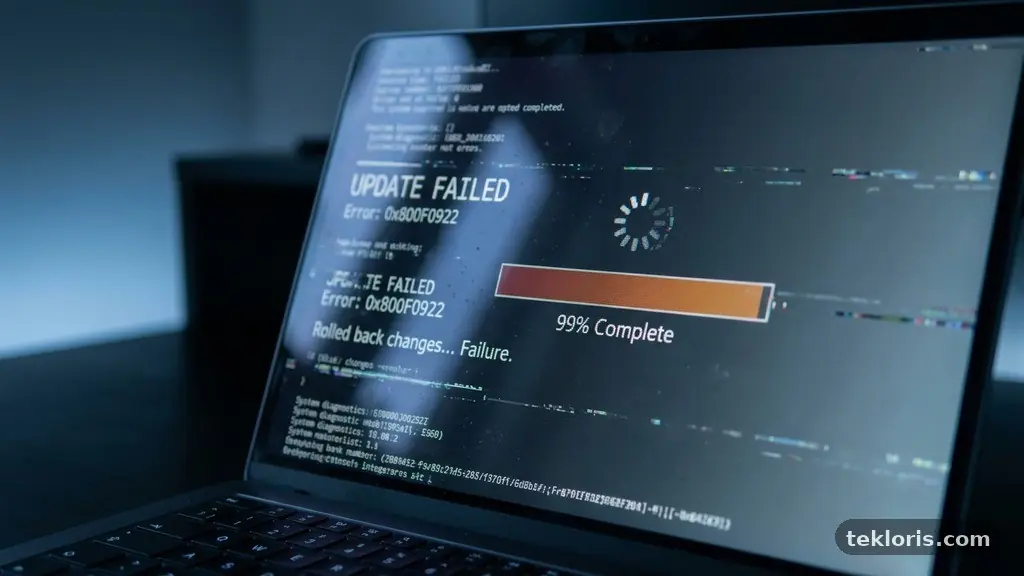
Automatic software updates usually work quietly, but the process can break for surprisingly ordinary reasons: a weak connection, a full drive, a damaged download, or a restart that never happened. Understanding why Automatic Software Updates Sometimes Fail and How to Troubleshoot Them helps you fix the immediate problem without disabling an important security feature. The … Read more

How to Review Saved Browser Permissions for Better Online Privacy

How to Review Saved Browser Permissions for Better Online Privacy

Reviewing Saved Browser Permissions for Better Online Privacy is one of the simplest ways to reduce unnecessary access to your device. Websites may retain permission to use your location, camera, microphone, notifications, clipboard, or pop-ups long after you’ve stopped visiting them. A careful review takes only a few minutes in most browsers, yet it can … Read more